From Product Assets to Performance Creatives: What CreativeFly Does
A practical introduction to how ecommerce brands and performance marketing teams use CreativeFly to turn product assets, references and proven templates into testable image and video creatives.
CreativeFly is an AI-native creative workspace for ecommerce brands, performance marketers and agencies. It brings references, brand assets, prompt guidance, generation and project delivery into one workflow, so a team can move from an idea to testable creative variations without rebuilding context for every task.
Why creative teams need a connected workflow
Performance teams rarely lack ideas. The harder problem is turning product information, winning references and brand rules into enough consistent assets to learn quickly. When those inputs live in separate tools, every handoff loses context and each iteration starts too close to zero.
CreativeFly keeps the working context together: product images, reference ads, brand assets, prompts, generated outputs and projects. The result is a clearer path from creative hypothesis to production-ready variations.
A useful creative system preserves the reason behind an ad, not only the final file.
What you can do in CreativeFly
| Workflow | Input | Output |
|---|---|---|
| Reference Intelligence | Ads, images or videos you want to understand | Structured creative observations and reusable directions |
| Template creation | A reviewed CreativeFly template plus product assets | A fast first version adapted to your product or market |
| Image and video generation | Product files, references and a natural-language brief | New visual variations saved to Assets |
| Project delivery | Selected generations and source assets | An organized workspace for review and reuse |
Start with a reviewed template
Templates are useful when they encode a specific creative pattern: the opening hook, product reveal, camera rhythm, scene progression and CTA moment. CreativeFly publishes only reviewed templates as public pages. Each approved template has a stable URL, preview, recommended use cases and a direct Create action.
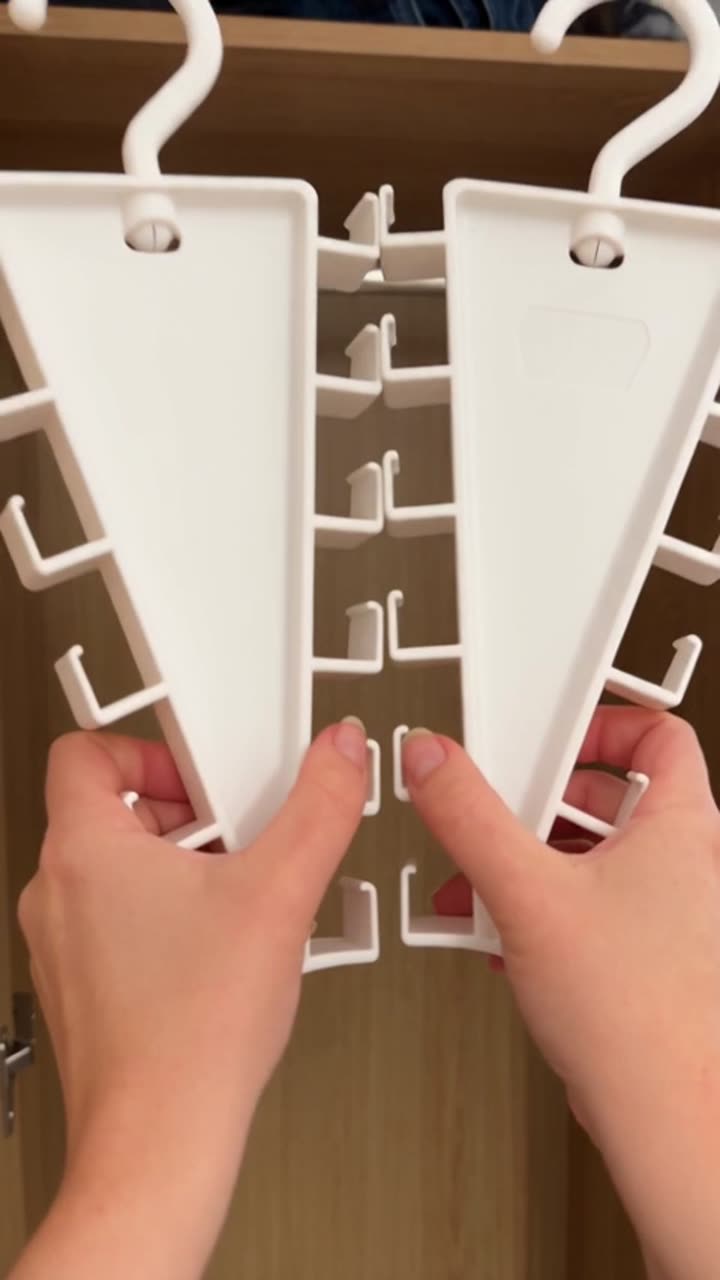
For example, the Wardrobe Storage Hanger Video Ad template demonstrates a practical home product with clear space-saving benefits for ecommerce and paid social campaigns.
Build a repeatable creative test
- Define the audience, offer and channel before generation.
- Add the product and brand assets that must remain consistent.
- Use a reference or reviewed template to describe the creative structure.
- Generate a small set of meaningful variations, changing one hypothesis at a time.
- Save selected outputs to a project and record what you learned from performance data.
This process helps an in-house team or agency produce more variations while keeping the campaign idea readable. It also makes tutorials, template pages and future data reports easier to connect through internal links.
Designed for people and search systems
CreativeFly articles and reviewed template pages render their main text directly in HTML. Titles, authors, publication dates, update dates, canonical URLs and structured data give search engines and AI search systems clear context. Public media is exposed through stable, review-gated URLs; private projects, account pages, billing and administration remain excluded from crawling.
Try the workflow
Bring a product image, a reference ad or a campaign idea. CreativeFly will keep the inputs and outputs together while you develop the next creative direction.
Create your first performance creative